
Download
Download Sover
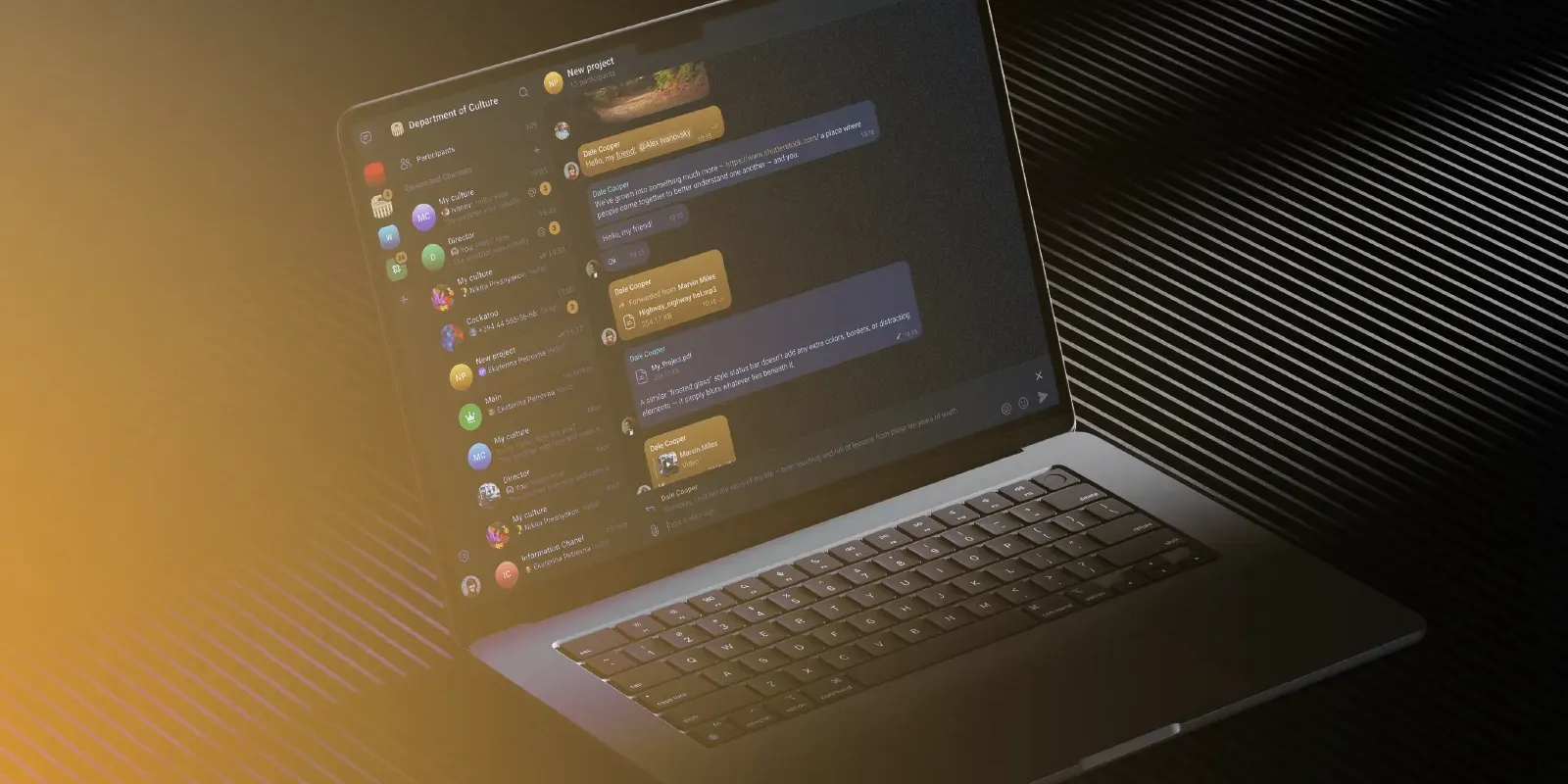
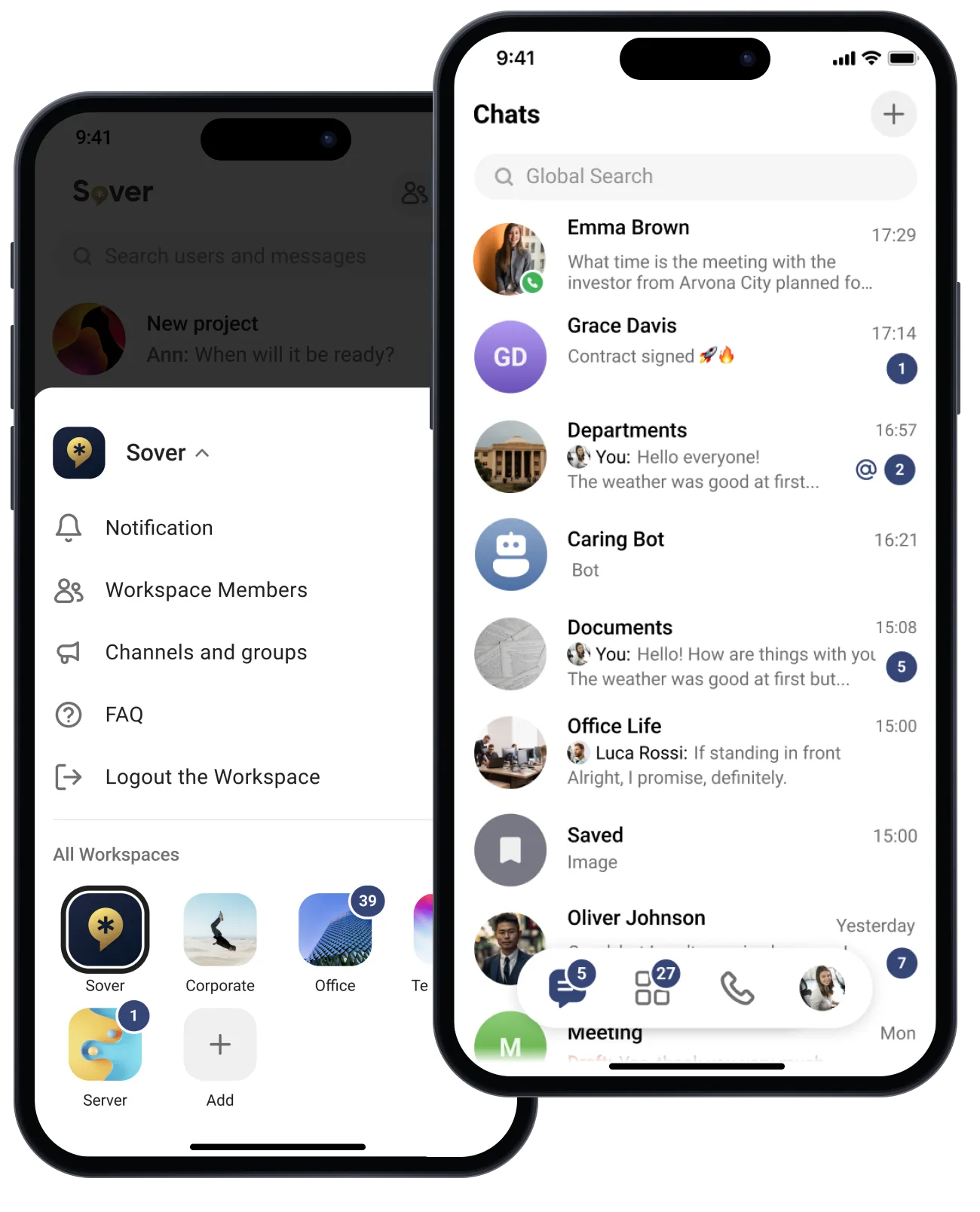
Native apps for desktop and mobile, and a web client.
Mobile
For registered users only. The apps open only for registered users whose phone number or email has been approved. Want to try Sover? Contact Sales
Want to Try Sover, or Have a Question?
Contact Sales
The apps open only for registered users whose phone number or email has been approved. To try Sover, tell us about your organization and we will get back to you.
Which operating systems does Sover support?
Sover is available for Windows, macOS, Linux, Android, iOS, and web browsers. Confirm the current supported versions and the features needed on each client before rollout.
Can I use Sover in a browser?
Yes. Sover has a web client. Check the supported browser version and required features for your deployment; web availability does not mean every mobile or desktop feature is identical.
Can anyone register for our organization’s Sover environment?
Access follows the organization’s registration and account policies. The application FAQ describes registration for employees of authorized organizations, so downloading the application alone does not grant access to an organization’s environment.
How does phone registration work?
The documented registration flow asks for your phone number and a verification code sent to it. Follow the instructions for your organization’s deployment, including any additional authentication or enrollment requirements.
Can I use Sover on multiple devices?
Sover supports using an account across multiple independent devices. Confirm the permitted device count and session policy with your administrator rather than assuming every deployment has the same limit.
Is Sover available in multiple languages?
Yes. Sover supports interface localization in more than 20 languages. Confirm the languages and client versions required by your users during deployment planning.